I graduated from the George Mason University Volgenau School of Engineering majoring in Applied IT with a web development & multimedia concentration.
Beyond my passion for web development, my interests include information security, quality assurance, technical writing, IT project management, SDLC methodologies, translating business needs into technical requirements, and IT support.
I am always looking to build new relationships and regularly seek opportunities to develop my knowledge base of all things IT.
George Mason University Volgenau School of Engineering B.S. Applied Information Technology Concentration: Web Development & Multimedia
Technical Experience
Languages: HTML5 | CSS3 | JavaScript | XML | PHP | Java | SQL Operating Systems: macOS | Windows Server 2012 | Windows XP/Vista/7/8/10 | Mobile: Android & iOS Applications: MS Office (Word, Excel, PowerPoint, Project) | Photoshop | Visio | VMWare Fusion | SQL Server Management Studio | Microsoft Visual Studio: Team Foundation Server 2017 Web Development: Wordpress | Joomla | Sharepoint | Bootstrap Framework | jQuery Library | Git | Analytics
Favorite Text Editor: Brackets
Work History
Current: Chainbridge Technologies: QA Analyst
Great Falls Construction: Office Manager Assistant
GMP Home Improvement: Kitchen & Bath Remodeler
Booz Allen Hamilton: Research Intern
Booz Allen Hamilton: Lab Assistant
Built using: Sharepoint Enterprise CMS Enterprise CMS Software: SharePoint Server 2013 - Database version 15.0.4420.1017
Server: MS Windows Server 2008r2 SP1 (6.1.7601)
Web Service: IS 7.5.7600.61385
Database: MS SQL 2012 (11.0.3128)
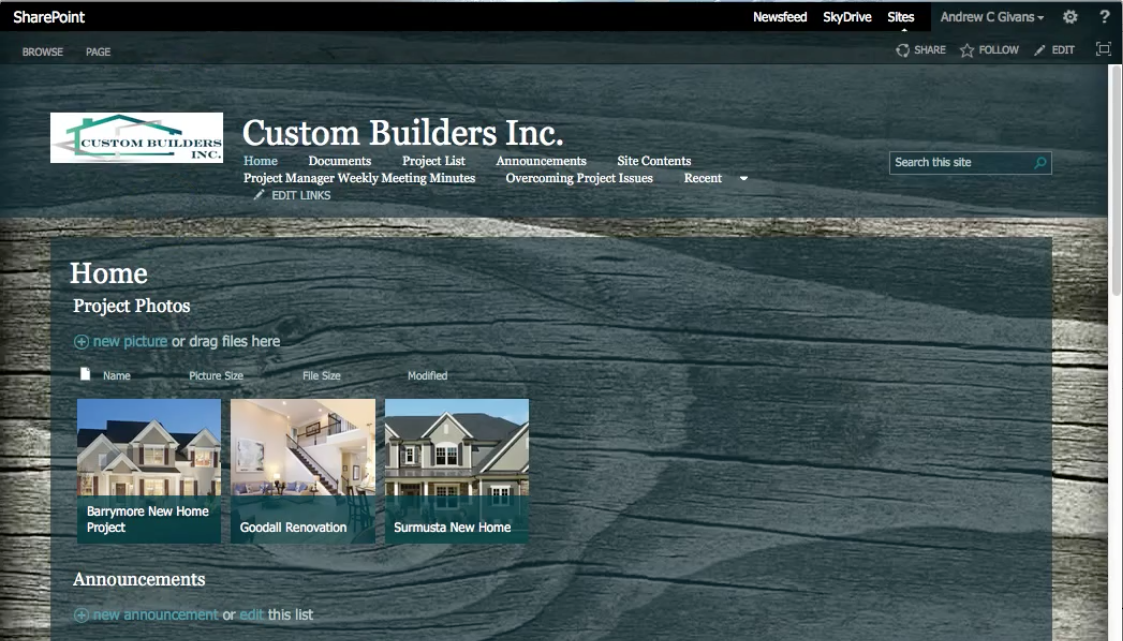
The purpose of learning to develop an enterprise content management system is to demonstrate both competency and proficiency in solving common information and team management obstacles faced in today’s organizations. The name of my fictitious organization for the purpose of this project is Custom Builders Inc. My goals and objectives in establishing an Enterprise CMS are to simplify and strengthen business workflow and make sure all employees can be on the same page at all times in order to produce a more effective work environment.
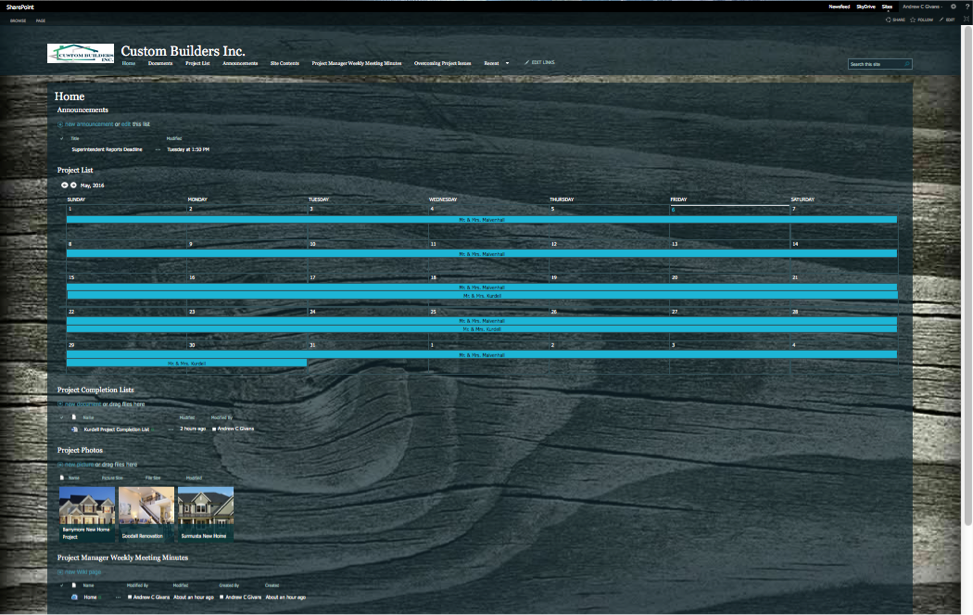
There are a variety of web parts that have been added to the site. Many of them I have chosen to display on the main page. The Announcements web part is located near the top of the home page as it is important that users are able to see reminders when they are first directed to the site. Some weekly announcements included are Superintendent report weekly deadlines and the Project manager meeting minutes update deadline.
Below the announcements web part on the main page is a calendar view of project completion and the duration of each project. I have located this here as it is important to remind employees that they are indeed on a timeline and it helps to have an image of how much time is left to complete a project. The calendar view is configured so that the start dates and end dates are displayed.
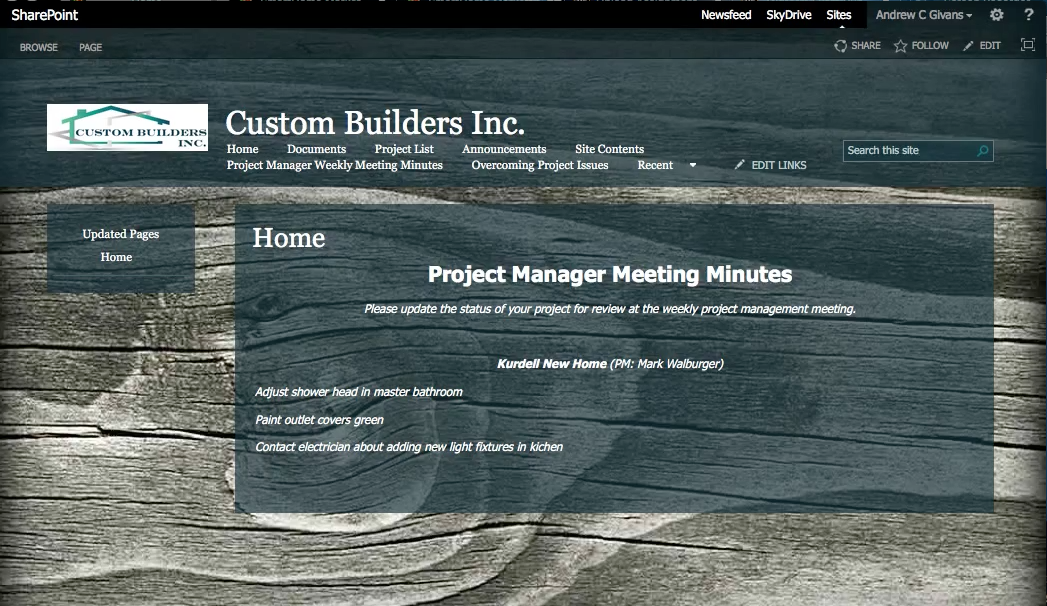
A documents library web part that contains Project Completion lists is located below the project deadline calendar. It is located here because these documents are something that need to be updated on a regular basis to keep everyone in the loop on the status of a project. It is a more detailed list than the project manager meeting minute list that is more specifically used by the superintendents as the project superintendents are the individuals who are on the jobs most of the time and have the best insight on how much has been done and what needs to be done. These lists are a great point of reference for project managers to gauge whether or not a project is on track. They can also be used to easily update the project meeting minute lists from the same site.
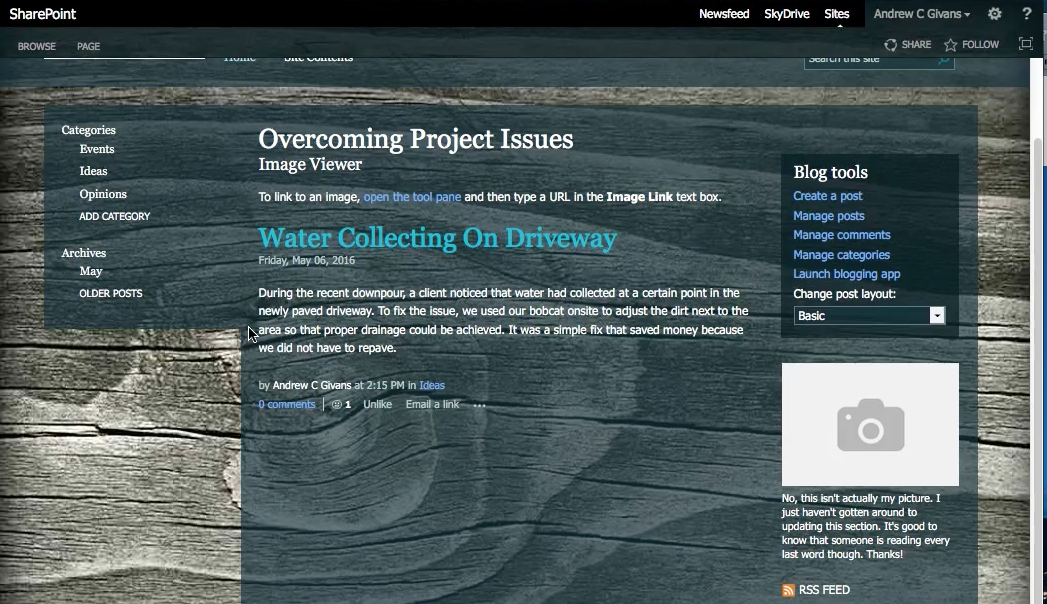
The blog entitled “Overcoming Project issues” will have periodical updates about issues that were run into and over come in each project so that employees can be aware of what occurred and how the issue was resolved. In general, the blog will be an important place to go to document and witness growth of the company, especially for employees who join after events occur. It is a way to catch them up and get a general idea of how things have worked in the past in the company. No sense leaving every issue solved in the dark.
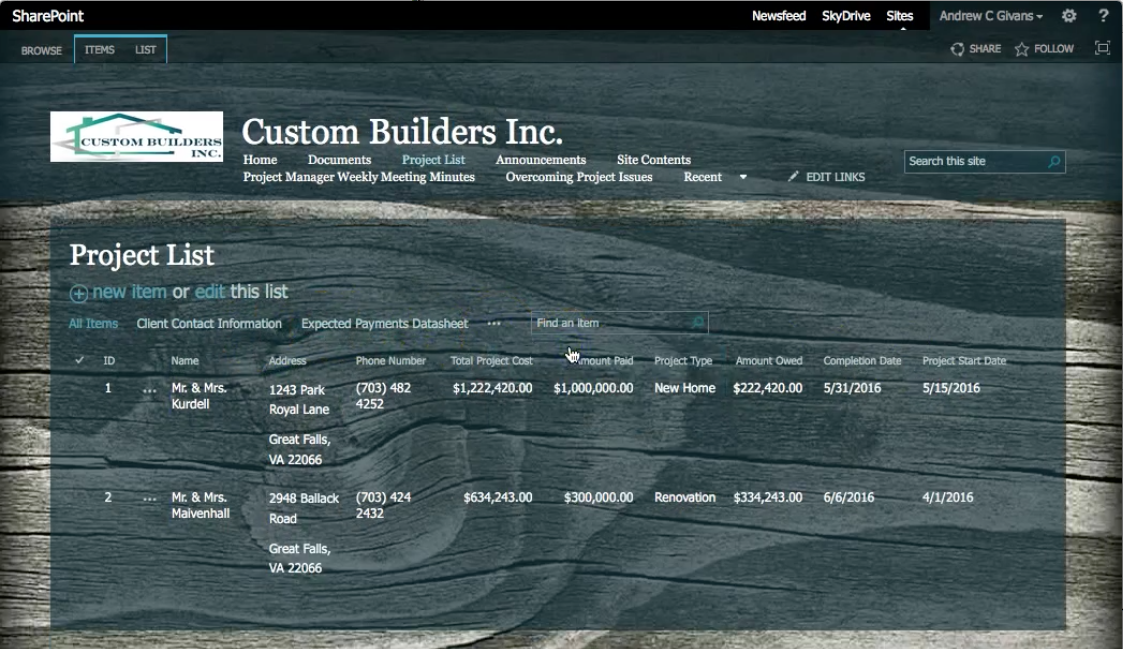
I created a projects list with three different views. The list contains 8 fields including: Name, Address, Phone number, Project Type, Completion date, Project start date, Total project cost, Amount Paid, and Amount Owed. The amount owed is a field that is calculated by subtracting the amount paid from the project cost. The three different project list views are the Expected Payment datasheet view, which focuses on how much is owed by each client. The Project Completion Date Calendar View, which focuses on the project start date and project end date. The third view, Client Contact Information, focuses on only the name, phone number, and address of each client. I implemented a workflow ensuring that project completion lists are reviewed and approved first by a general laborer, then the site superintendent, then by the active project manager before they are considered final each week.
In conclusion, I am impressed with the capabilities offered by SharePoint. It is amazing to have a variety of documents and lists that can be edited and viewed by everyone in the company in one location. The level of productivity SharePoint sites provide must be enormous.
As far as cons go, I did find it rather frustrating to move web parts around on the site. I was also mildly irritated by how sluggish it seemed to load at certain points. However, at the cost of having everything in once place to effectively run a business, these cons are minimal.
I would recommend the implementation of SharePoint into any business desiring an increase in productivity.
Date: May 1, 2016
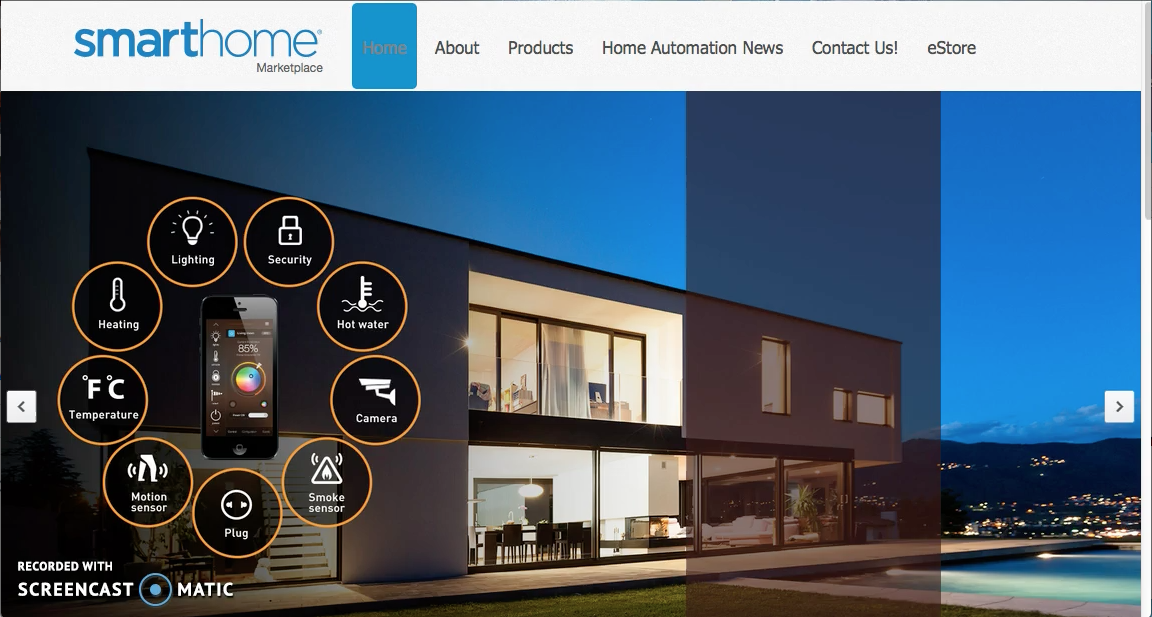
Smart Home Marketplace
eCommerce site built using Joomla CMS
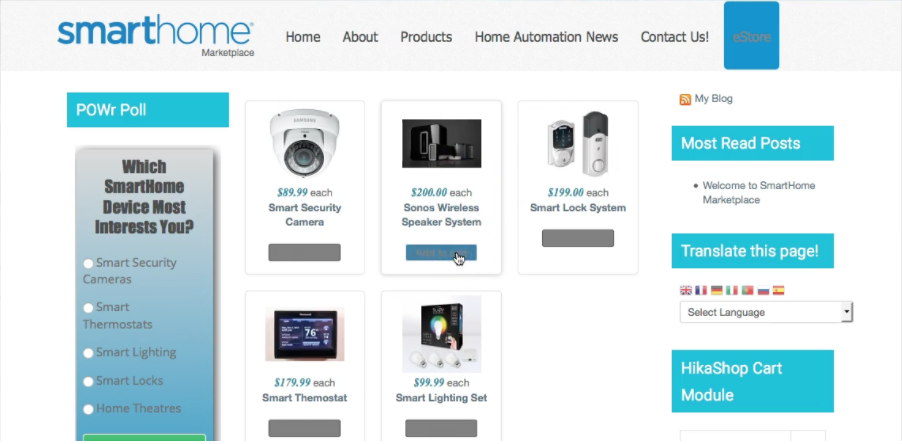
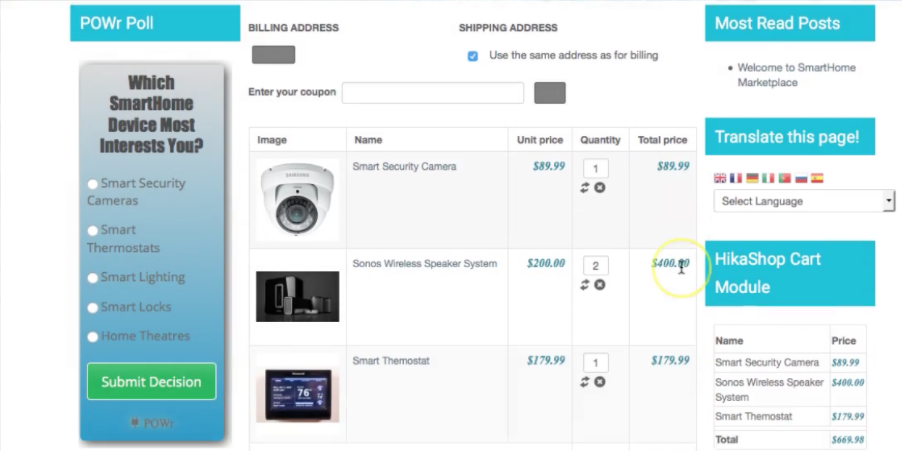
Joomla is a content management system with an extensions directory containing components, modules, and plugins. For the purposes of this site, I only used free extensions. The goal was to create an eCommerce website for smart home automation products. I created the logo, added a poll, a translation option, a section showcasing various products, and a shopping cart to add and purchase smart home products.
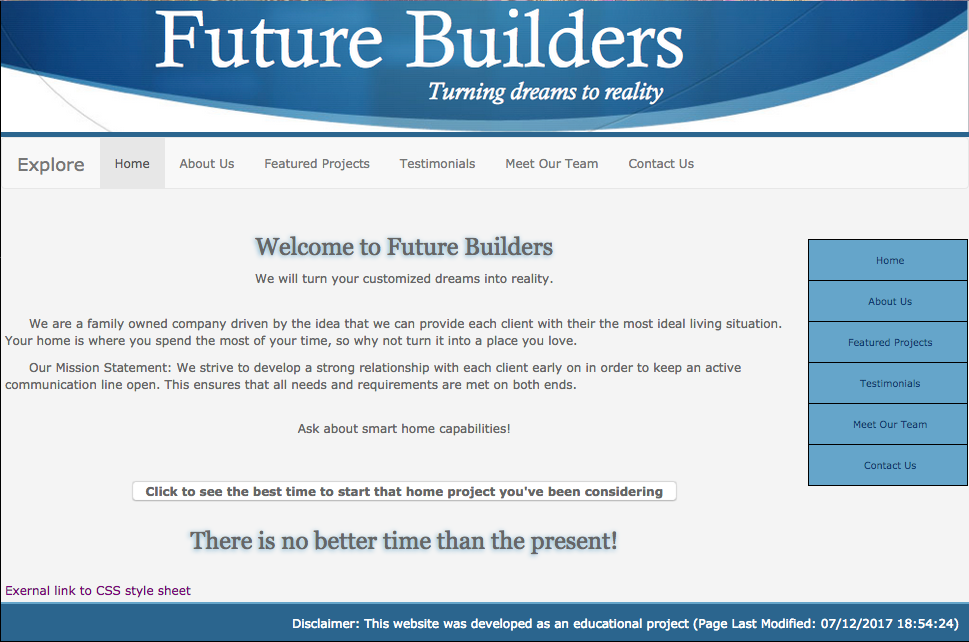
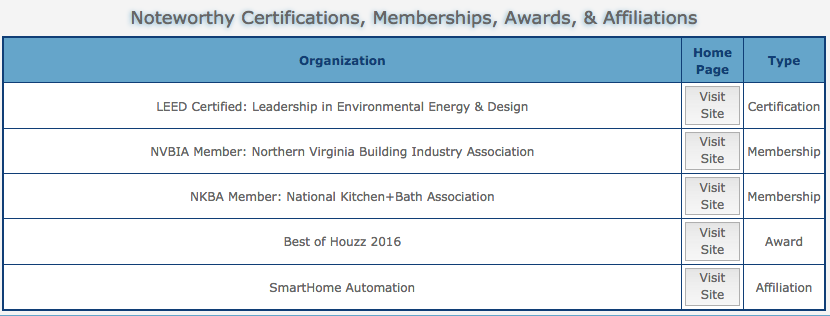
A responsive site built starting with a bootstrap framework and implementing HTML, CSS, JavaScript, jQuery and XML.
While I acknowledge this is not the most modern looking site, under the hood it showcases some of my exposure to JavaScript, jQuery, and XML.
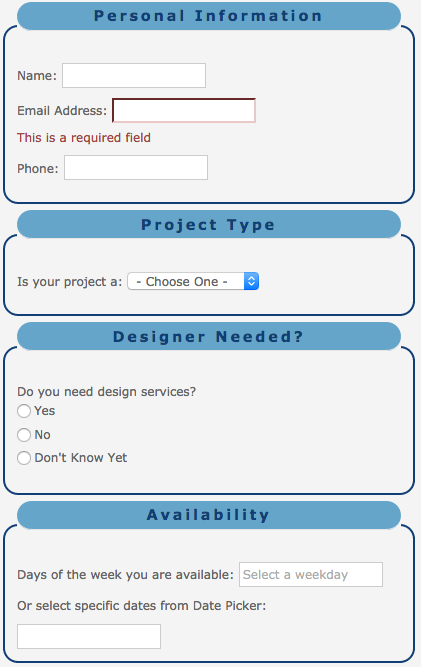
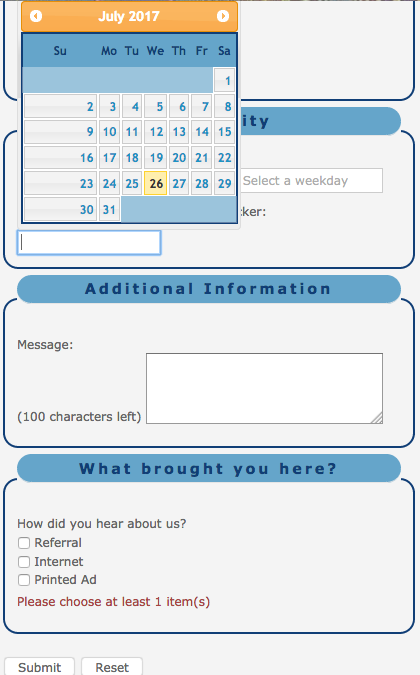
jQuery is used to validate the email and checkbox form input information, dispaly the number of characters left in a text box, and display a date picker on the Contact Us page.
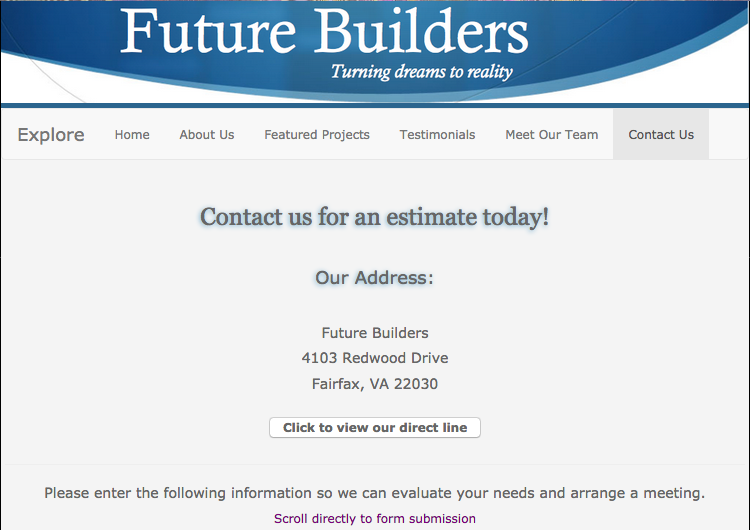
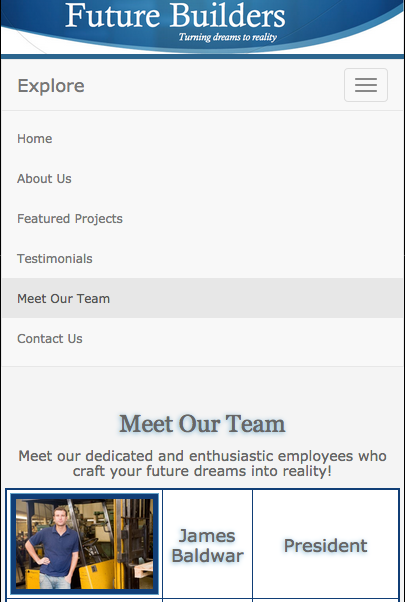
XML is used to access the photos and information about the employees displayed on the "Meet Our Team" page. It is also used to access the direct phone number after clicking the button on the Contact Us page.
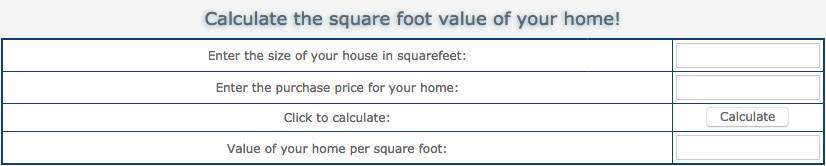
JavaScript is used to create a basic flashing animation, insert users names when they type them in by turing the input into a variable, create an array of image files in order to randomly display a new image every time the page loads, and to calculate the square footage of a home based on user input using a customized function.
Click the following link to view this site live: Future Builders
Step Count Visualization
Google Chart Data Visualizations
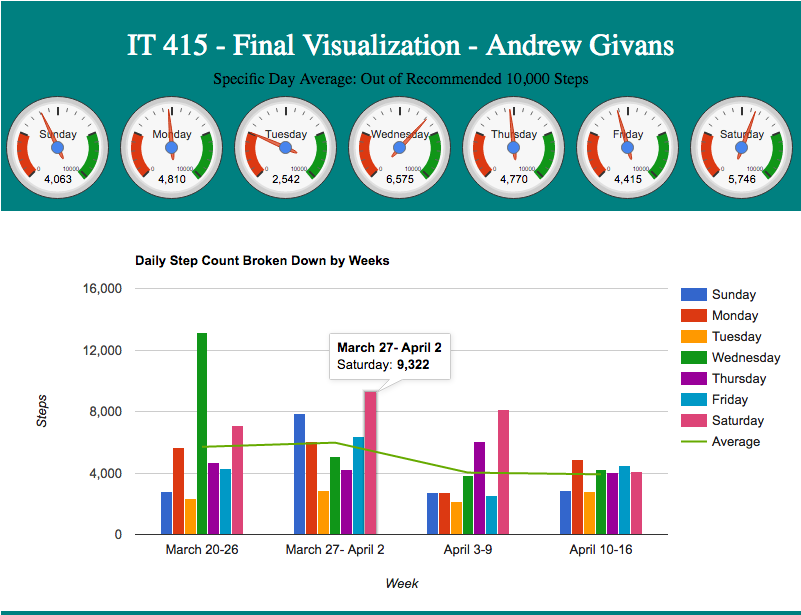
I used my step count records to create a visual representation of a month in my shoes. Using Google's charts, I was able to manipulate the code to represent my results. Hosting two visualizations on the same page did not work properly at first, but after experimenting with the arrangement of the code, I was able to successfully display both charts simultaneously.
The second chart is interactive in that it displays the date as well as the step count number when you hover over each bar.
To experiment with google charts, visit: https://developers.google.com/chart/. Copy and paste the code into an HTML file and change the numbers as you like.
Appointment Calendar
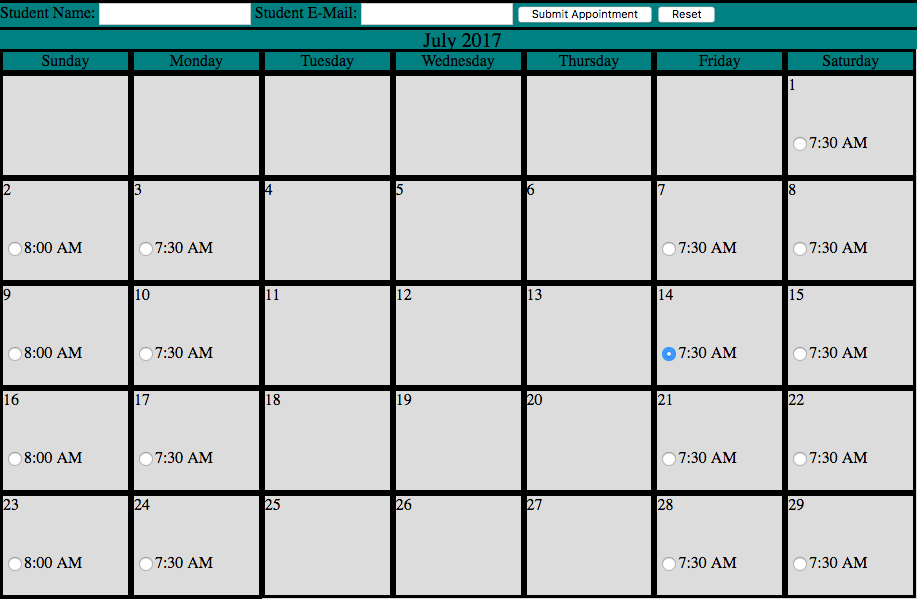
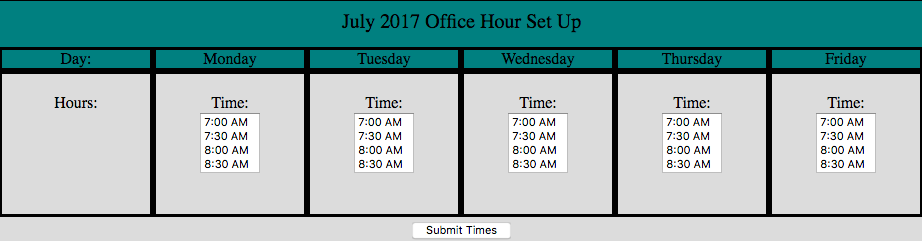
Using PHP, this calendar allows users to book a time slot displayed on a calendar generated based on the current month.
Starting in the office hour set up file, the user is asked to select the times and days they would like to reserve. Upon submitting thier choices for the time and weekday, the data is passed to the calendar.php file where a calendar is generated based on the current month. Within each day the user selected, the timeslots they chose show up next to radio buttons. The user is then prompted to enter thier name, email, and to select a specific day from the displayed calendar using the radio buttons. Once submitted, the form states that the reservation was successfully submitted and an email is sent confirming thier appointment. Additionally, a hidden field containing the faculty email is used to send an email informing them of the meeting.
Freelance Content Updates - Git Repository Clone from BitBucket
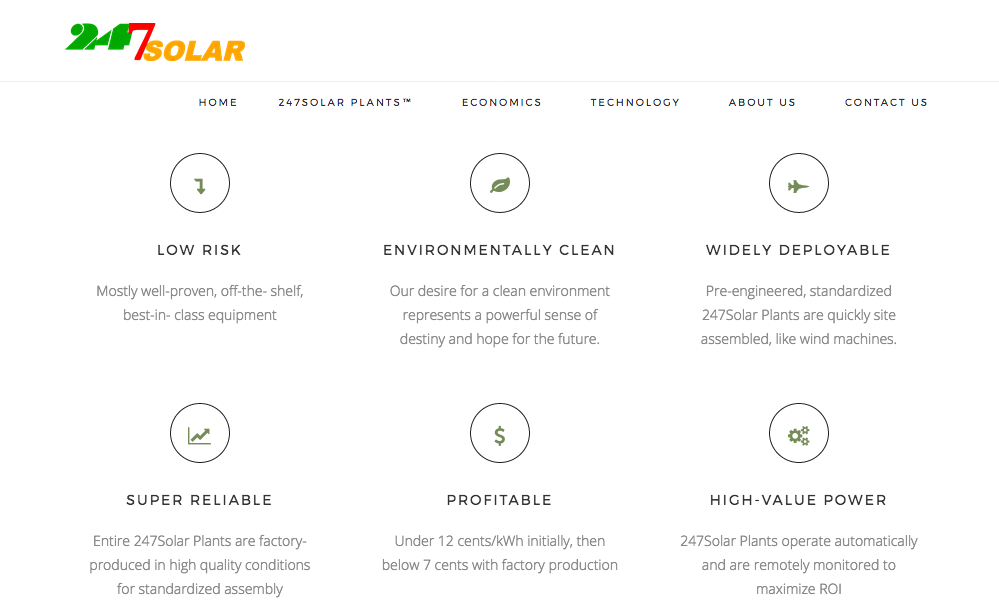
247Solar is a remarkable up and coming business site I have been tasked with updating. I am in the process of making various edits to the content as well as replacing the current logo.
Modifying this site introduced me to using Git on the command line. I am now comfortable with a variety of Git commands and will continue to use distributed version control.
Visit 247Solar.com to learn more about its groundbreaking solar technology.